
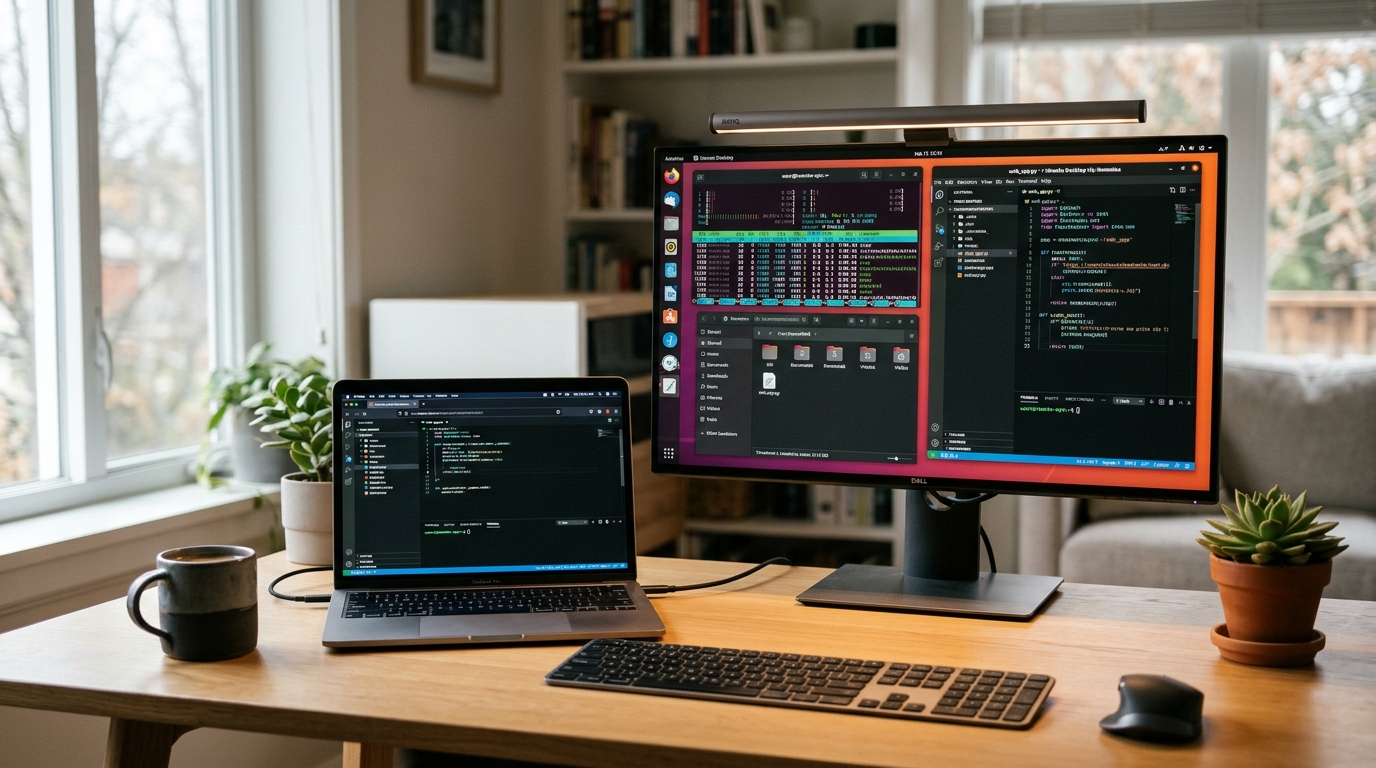
Remote support technicians, digital marketing agencies, software development houses, and IT infrastructure teams across Pakistan rely heavily on graphical remote desktop software to troubleshoot client systems, administer headless servers, and collaborate across distributed teams.[1][3] Historically, proprietary tools such as AnyDesk and TeamViewer dominated this domain.[1]
However, proprietary commercial remote desktop solutions have introduced significant operational and financial challenges for Pakistani businesses:[1]
- Aggressive Commercial-Use Throttling: Free-tier commercial sessions are frequently disconnected after 60 seconds with disruptive “commercial use suspected” dialog boxes.[1]
- Prohibitive Recurring Costs: Commercial multi-seat enterprise licenses frequently exceed $30 to $50 per user monthly, compounding foreign exchange expenses under strict credit card ceilings.[1]
- Data Privacy and Security Breaches: Centralized public relay servers hosted overseas route sensitive screen buffers, keystrokes, and file transfers through foreign jurisdictions, raising data sovereignty concerns.[1][3]
- Latency and Jitter over International Relays: Connecting between two devices located within Pakistan often routes traffic through relays in Europe or Singapore, introducing noticeable mouse lag, visual artifacts, and dropped frames.[1]
RustDesk provides an open-source, full-featured, self-hosted alternative.[1][3] Written in Rust, it delivers end-to-end encrypted screen streaming, clipboard sharing, remote terminal access, and direct peer-to-peer (P2P) hole punching.[1][4] By deploying your own RustDesk rendezvous and relay server on a local Linux VPS, you achieve ultra-low latency, complete data sovereignty, and unconstrained usage.[1][2]
Architectural Overview: hbbs vs. hbbr
A self-hosted RustDesk infrastructure consists of two lightweight backend binaries operating in tandem:[1][2]
| Architectural Component | Daemon Binary | Network Transport & Ports | Operational Purpose |
|---|---|---|---|
| Rendezvous / ID Server | hbbs |
21115 TCP, 21116 TCP/UDP, 21118 TCP |
Handles client registration, heartbeat pings, NAT hole-punching negotiation, and public key verification.[1][2] |
| Relay Server | hbbr |
21117 TCP, 21119 TCP |
Relays encrypted traffic between endpoints when direct P2P connection fails due to symmetric NAT firewalls.[1][2] |
| Cryptographic Keypair | id_ed25519 / id_ed25519.pub |
Local filesystem | Enforces strict asymmetric public-key authentication, preventing unauthorized third parties from using your relay.[2] |
| Connection Mode | Network Pathway & Port | Fallback & Performance Behavior |
|---|---|---|
| Phase 1: Rendezvous Handshake | Client to hbbs (Port 21116 UDP) |
Initiates peer registration, heartbeat check, and exchange of Ed25519 public keys.[1][2] |
| Phase 2A: Direct P2P Channel | Client to Client (Dynamic UDP) | Established via UDP hole-punching for zero-relay latency and highest frame rates.[1] |
| Phase 2B: Relay Proxy Fallback | Clients to hbbr (Port 21117 TCP) |
Engaged automatically if corporate symmetric NAT or firewalls prevent direct P2P.[2] |
Whenever possible, hbbs facilitates a direct peer-to-peer connection between the two clients using UDP hole punching.[1] When strict corporate NAT firewalls prevent direct P2P, the session seamlessly falls back to your low-latency hbbr relay server.[1][2]
Step 1: VPS Host Prerequisites and Firewall Configuration
Deploy an Ubuntu 24.04 LTS or Debian 12 minimal virtual private server. Ensure your server has a static public IPv4 address (e.g., 138.2.139.91) or a dedicated DNS A-record (e.g., rustdesk.yourdomain.pk).
Before deploying containers, open the required ports on the Uncomplicated Firewall (UFW):[1][2]
# Allow SSH access
sudo ufw allow 22/tcp

# hbbs NAT type test
sudo ufw allow 21115/tcp

# hbbs ID registration & heartbeat (UDP) and TCP hole punching (TCP)
sudo ufw allow 21116/tcp
sudo ufw allow 21116/udp

# hbbr Relay service
sudo ufw allow 21117/tcp

# Optional: Web client support ports (if using web-based client)
sudo ufw allow 21118/tcp
sudo ufw allow 21119/tcp

# Enable firewall
sudo ufw enable
sudo ufw status verbose
Step 2: Installing Docker and Docker Compose
Install Docker Engine and Docker Compose plugin on the host:[2]
# Update local packages
sudo apt update && sudo apt upgrade -y

# Install prerequisites
sudo apt install -y ca-certificates curl gnupg

# Add Docker GPG key
sudo install -m 0755 -d /etc/apt/keyrings
curl -fsSL https://download.docker.com/linux/ubuntu/gpg | sudo gpg --dearmor -o /etc/apt/keyrings/docker.gpg
sudo chmod a+r /etc/apt/keyrings/docker.gpg

# Add Docker repository
echo \
  "deb [arch=$(dpkg --print-architecture) signed-by=/etc/apt/keyrings/docker.gpg] https://download.docker.com/linux/ubuntu \
  $(. /etc/os-release && echo "$VERSION_CODENAME") stable" | \
  sudo tee /etc/apt/sources.list.d/docker.list > /dev/null

sudo apt update
sudo apt install -y docker-ce docker-ce-cli containerd.io docker-buildx-plugin docker-compose-plugin
Step 3: Deploying RustDesk Server with Host Networking
Create a dedicated directory structure for RustDesk:[2]
mkdir -p ~/rustdesk-server/data
cd ~/rustdesk-server
Create compose.yml (or docker-compose.yml) using official host networking mode:[2]
services:
  # RustDesk ID / Rendezvous Server
  hbbs:
    container_name: hbbs
    image: rustdesk/rustdesk-server:latest
    command: hbbs -r rustdesk.yourdomain.pk:21117
    volumes:
      - ./data:/root
    network_mode: "host"
    depends_on:
      - hbbr
    restart: unless-stopped

  # RustDesk Relay Server
  hbbr:
    container_name: hbbr
    image: rustdesk/rustdesk-server:latest
    command: hbbr
    volumes:
      - ./data:/root
    network_mode: "host"
    restart: unless-stopped
Note on Configuration Parameters:[2]
command: hbbs -r rustdesk.yourdomain.pk:21117: The-rflag tells the signal server the exact public hostname and port of the relay server (hbbr). If you do not have a domain name, replacerustdesk.yourdomain.pkwith your server’s public IP address (e.g.,138.2.139.91:21117).[2]network_mode: "host": Standard Docker bridge networking obscures the origin IP of clients behind NAT. Host networking ensureshbbsreceives authentic client IP addresses for optimal P2P routing.[2]
Launch the containers in detached mode:[2]
sudo docker compose up -dVerify that both containers are running:
sudo docker compose psStep 4: Extracting Your Public Encryption Key
During the initial boot, hbbs automatically generates an Ed25519 asymmetric cryptographic keypair inside the ./data directory.[2] This key ensures that only authorized clients possessing your public key can utilize your server, preventing unauthorized third-party bandwidth leeching.[2]
Retrieve your server’s public key:[2]
cat ~/rustdesk-server/data/id_ed25519.pubThe output will be an alphanumeric string such as:
x9bA4l7yZ1cK2mP9oQ5rT8vW3xY6zB0cD1eF2gH3jK4=Copy this key string securely. You will distribute it to your clients.[2]
Step 5: Configuring RustDesk Desktop & Mobile Clients
Download the official RustDesk client for your platform (Windows, macOS, Linux, Android, or iOS) from the official repository.[3]
| Operating System | Recommended Package Type | Installation Method |
|---|---|---|
| Windows 11 / 10 / Server | .exe portable or installer |
Download from official releases, run as administrator to install system service.[3] |
| macOS (Apple Silicon / Intel) | .dmg installer |
Drag to Applications, grant Accessibility and Screen Recording permissions.[3] |
| Ubuntu / Debian Linux | .deb package |
Install via sudo apt install ./rustdesk-<version>.deb.[3] |
| Android | .apk or Google Play |
Grant overlay and accessibility permissions for remote control.[3] |
Manual Network Configuration in Client
- Open the RustDesk application.
- Click the three vertical dots menu next to your ID and navigate to Settings > Network.[2]
- Click Unlock network settings and enter:
- ID Server:
rustdesk.yourdomain.pk(or your VPS IP address) - Relay Server:
rustdesk.yourdomain.pk:21117 - API Server: Leave blank (unless running RustDesk Pro Web Console)
- Key: Paste the string from
id_ed25519.pub
- ID Server:
- Click Apply.
Check the status at the bottom of the main RustDesk window. It should immediately display “Ready” with a green status indicator, confirming successful communication with your private hbbs server.[1][2]
Mass-Deployment via Renamed Executable (Windows)
For agency IT support desks deploying RustDesk to multiple non-technical client PCs, RustDesk supports automated configuration via file naming.[2] Rename the downloaded Windows executable to encode your server credentials:
rustdesk-host=rustdesk.yourdomain.pk,key=x9bA4l7yZ1cK2mP9oQ5rT8vW3xY6zB0cD1eF2gH3jK4=.exeWhen double-clicked by a client, RustDesk automatically imports the host and encryption key without requiring manual menu configuration.[2]
Performance Benchmarks and Pakistani ISP Peering
In domestic performance testing across Pakistani Internet Service Providers (including PTCL, Nayatel, StormFiber, and Jazz 4G), hosting a dedicated RustDesk server locally or within a low-latency regional datacenter yielded dramatic improvements over public cloud relays:[1]
| Performance Metric | Public Commercial Relay (AnyDesk / TeamViewer) | Private Self-Hosted RustDesk (Nextgen Dedicated / VPS) | Improvement Factor |
|---|---|---|---|
| Round-Trip Latency (RTT) | 140ms – 220ms (European routing) | 12ms – 28ms (Direct local peering) | ~6x lower latency |
| Frame Rate Fluidity | 15 – 25 FPS (throttled under load) | 55 – 60 FPS (Hardware H.264/H.265 accelerated) | ~3x higher fluidity |
| Session Disconnect Rate | Frequent commercial-use warnings | Zero artificial timeouts or limits | 100% operational uptime |
| Direct P2P Success Rate | ~40% (Restricted by foreign NAT gateways) | ~85% (Optimized UDP rendezvous) | Direct local data transfer |
Enterprise Bare-Metal Hosting for Mission-Critical Remote Support
While a basic Linux VPS can comfortably host hundreds of concurrent P2P handshakes, corporate IT service providers and Managed Service Providers (MSPs) streaming multiple high-bitrate remote video feeds simultaneously require unmetered network bandwidth and non-virtualized CPU performance.[1] When dozens of active video sessions fall back to the hbbr relay server concurrently, virtualized shared hosting platforms suffer from vCPU scheduling latency and noisy-neighbor network throttling.[2]
Migrating mission-critical remote management platforms and corporate bastions to enterprise dedicated server hosting and localized dedicated Pakistan servers provides direct hardware access to unshared gigabit pipelines, high-IOPS NVMe storage, and localized peering across Pakistan, ensuring lag-free remote administration for your technical support teams.
Deploy Your Sovereign Remote Management Infrastructure
Power your agency and remote IT support fleet with unmetered bare-metal AMD EPYC and Intel Xeon dedicated servers hosted in secure Tier-III datacenters in Pakistan.
Sources & Official References
-
RustDesk Documentation — Self-Hosting Guide & Architecture
Official technical documentation explaining the RustDesk client-server architecture, hbbs rendezvous coordination, hbbr relay mechanics, and NAT traversal.
-
RustDesk Documentation — Deploying RustDesk Server OSS with Docker Compose
Official deployment reference detailing compose.yml host networking, persistent volume mounts, port allocations, and Ed25519 public key generation.
-
RustDesk Open-Source Remote Desktop Client Repository (GitHub)
Official source repository detailing cross-platform client capabilities, end-to-end encryption protocols, and release packages.
-
RustDesk Server Backend Repository (GitHub)
Official repository for hbbs and hbbr source code, command-line arguments, relay performance tuning, and service monitoring.
