
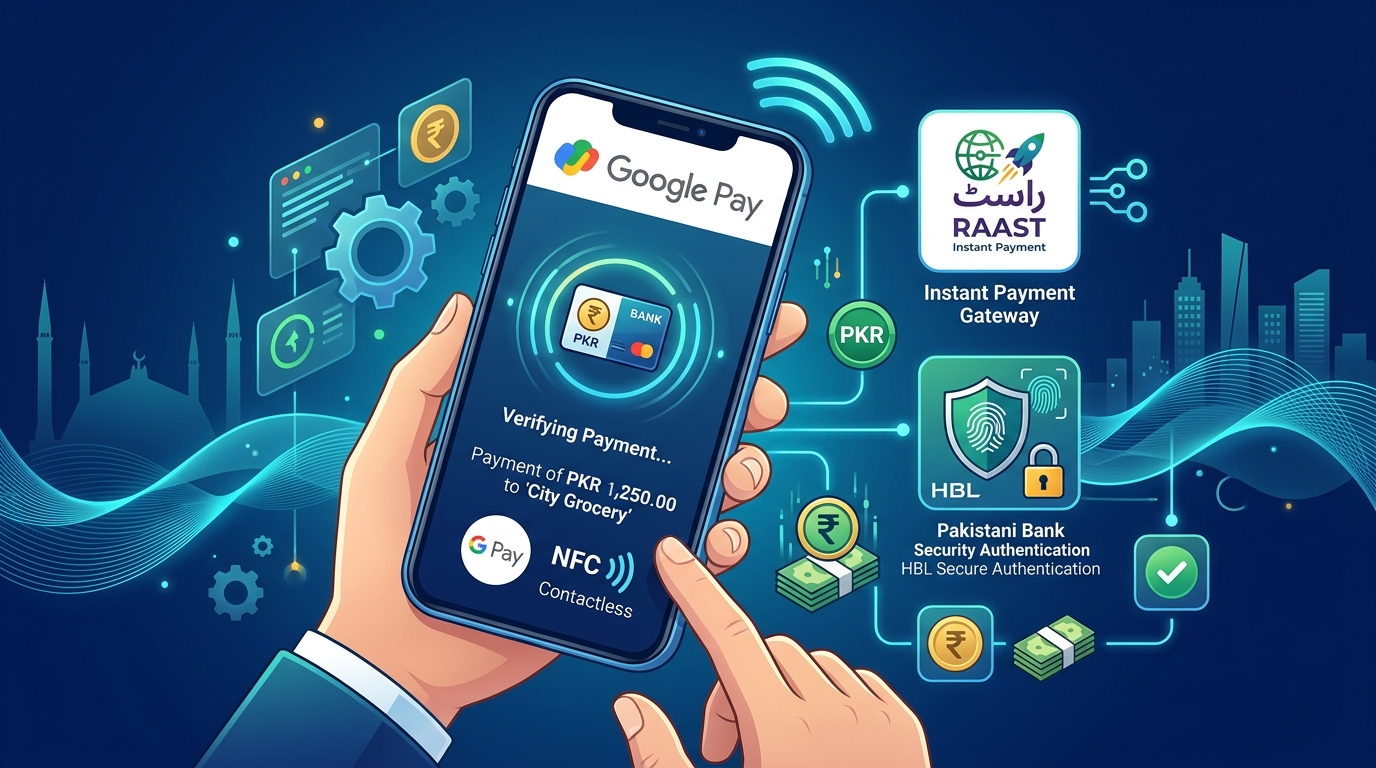
With the exponential surge in contactless transactions, e-commerce, and NFC smartphone adoption across Pakistan, one question dominates digital consumer searches: Is Google Pay (GPay) available and working in Pakistan in 2026?
This definitive 2026 update covers State Bank of Pakistan (SBP) tokenization directives, how Google Wallet functions on local NFC terminals, supported bank cards, and verified workarounds for freelancers, digital marketers, and agencies to send and receive contactless global payments.
1. Quick Answer: Is Google Pay Available in Pakistan?
Google Pay (as a direct domestic consumer payment app linking local Pakistani PKR bank accounts) is not yet officially launched as a standalone domestic gateway by Google in Pakistan.
However:
- Google Wallet NFC Contactless Payments DO work in Pakistan if linked to international multi-currency debit/credit cards (such as Wise, Payoneer, Revolut, SadaPay Expat Cards, or NayaPay Global Cards).
- Local POS payment terminals supporting contactless NFC (available at major supermarkets, fuel stations, and restaurants across Karachi, Lahore, and Islamabad) accept Google Wallet seamlessly.
- For local instant peer-to-peer and merchant transfers in PKR, the State Bank of Pakistan’s Raast Instant Payment System serves as the sovereign instant payment network.
2. Google Wallet vs. Google Pay in Pakistan: Key Differences & Compatibility
Many users in Pakistan confuse Google Pay with Google Wallet. Understanding the technical distinction is essential for setting up payments:
| Feature / Capability | Google Pay (GPay App) | Google Wallet (App & Wearables) |
|---|---|---|
| Primary Function | Peer-to-Peer (P2P) transfers & UPI-style payments | Secure digital container for payment cards, passes & IDs |
| Pakistani Bank Account Linking (PKR) | ❌ Not available domestically without SBP tokenization | ❌ Direct PKR account linking pending open banking sandbox |
| International Visa / Mastercard Support | ⚠️ Restricted by billing region | ✅ Fully Supported (Wise, Payoneer, foreign debit cards) |
| In-Store NFC Contactless Tap-to-Pay | ✅ Supported via Google Wallet integration | ✅ 100% Functional on Pakistani EMV/NFC POS terminals |
| Wear OS & Smartwatch Payments | ✅ Supported | ✅ Supported on NFC smartwatches in Pakistan |
If your goal is to tap your Android phone or smartwatch at grocery stores, restaurants, or fuel pumps in Pakistan, you only need Google Wallet loaded with an eligible international card.
3. Why Is Google Pay Not Officially Native in Pakistan Yet?
While Google has officially registered with the Pakistan Telecommunication Authority (PTA) and established liaison operations in Pakistan, domestic rollout of Google Pay involves regulatory clearances from the State Bank of Pakistan:
- EMVCo Tokenization & SBP Compliance: Google Pay requires local banks to implement EMVCo digital tokenization standards. While major Pakistani banks (HBL, Meezan, Bank Alfalah, MCB) have finalized API readiness under the SBP Open Banking Framework, full commercial licensing is currently undergoing sandbox approvals.
- Data Localization Mandates: Under the Pakistan Information Security Framework 2026, sensitive financial and transaction metadata must be processed and cached in sovereign Pakistani data centers.
4. How to Use Google Pay / Google Wallet in Pakistan (Step-by-Step)
If you are a freelancer, remote software developer, digital agency owner, or frequent traveler living in Pakistan, you can easily activate and use Google Pay today:
Method A: Linking Wise / Payoneer Mastercard to Google Wallet
- Download Google Wallet from the Google Play Store (use a Google account with region set to US, UK, or UAE, or download via official APK).
- Open Google Wallet and tap Add to Wallet > Payment Card.
- Enter your Wise Multi-Currency Visa/Mastercard or Payoneer Debit Card details.
- Verify via SMS OTP or email verification code.
- Turn on NFC on your Android smartphone.
- Tap your phone at any NFC-enabled POS machine across Pakistan to pay in PKR with real-time currency conversion.
Method B: In-App and Online Checkout via Google Pay
For buying international software, domain registrations, or cloud hosting:
- You can select Google Pay at international checkouts (e.g. Google Cloud, AWS, DigitalOcean).
- Select your linked international card to authorize instant 1-click payments without manually re-entering 16-digit card numbers.
5. Alternative Digital Payment Gateways in Pakistan
If you are looking for instant digital payment methods inside Pakistan, the following options are fully operational:
| Platform | Best For | Status in Pakistan |
|---|---|---|
| Raast P2P & P2M | Instant, zero-fee PKR transfers | 100% Nationwide Live |
| NayaPay / SadaPay | Virtual Visa/Mastercard, Freelancing | 100% Nationwide Live |
| JazzCash / EasyPaisa | Mobile wallets & utility bill payments | 100% Nationwide Live |
| Google Wallet (Foreign Cards) | NFC Contactless POS Tap-to-Pay | Fully Functional |
| Pak-ID Digital Wallet | Identity-linked e-governance payments | Active Rollout 2026 |
6. Frequently Asked Questions (FAQs)
Does Google Pay (GPay) work with Pakistani Bank Cards in 2026?
Currently, standard PKR debit cards issued by domestic Pakistani banks (HBL, Meezan, Alfalah, Allied) cannot be directly tokenized into Google Pay for in-store tap-to-pay. However, international credit/debit cards enabled for online e-commerce work for app purchases in the Google Play Store.
How can I use Google Wallet in Pakistan?
Download the Google Wallet app and link an international debit/credit card (such as Wise, Payoneer, Revolut, or a foreign bank card). Turn on NFC on your Android smartphone or Wear OS watch, and tap it against any local contactless POS terminal to pay in PKR.
Can freelancers receive international client payments via Google Pay?
Freelancers cannot receive direct PKR remittances into a domestic Google Pay account. However, you can receive client payments into foreign multi-currency accounts (Wise, Payoneer, or US/UK business accounts) and link those cards to Google Wallet on your phone.
What is the difference between Google Pay and Raast?
Google Pay is a global digital wallet platform developed by Google, whereas Raast is Pakistan’s sovereign instant payment system managed by the State Bank of Pakistan (SBP) for instant, fee-free PKR interbank and merchant transactions.
Deploy Your Fintech & Web Application with Nextgen Cloud
Running a fintech startup, e-commerce store, or digital agency handling high-volume online transactions? Nextgen Hosting provides ultra-low latency Cloud VPS Hosting in Pakistan and high-speed cPanel Web Hosting hosted in Islamabad, fully compliant with State Bank data localization standards.
Need Enterprise-Grade Performance?
If your workload demands maximum processing power and zero resource-sharing, explore our bare-metal Dedicated Servers and Dedicated Servers in Pakistan. We offer ultra-low latency, unmetered bandwidth, and enterprise-grade hardware to scale your operations seamlessly.
