
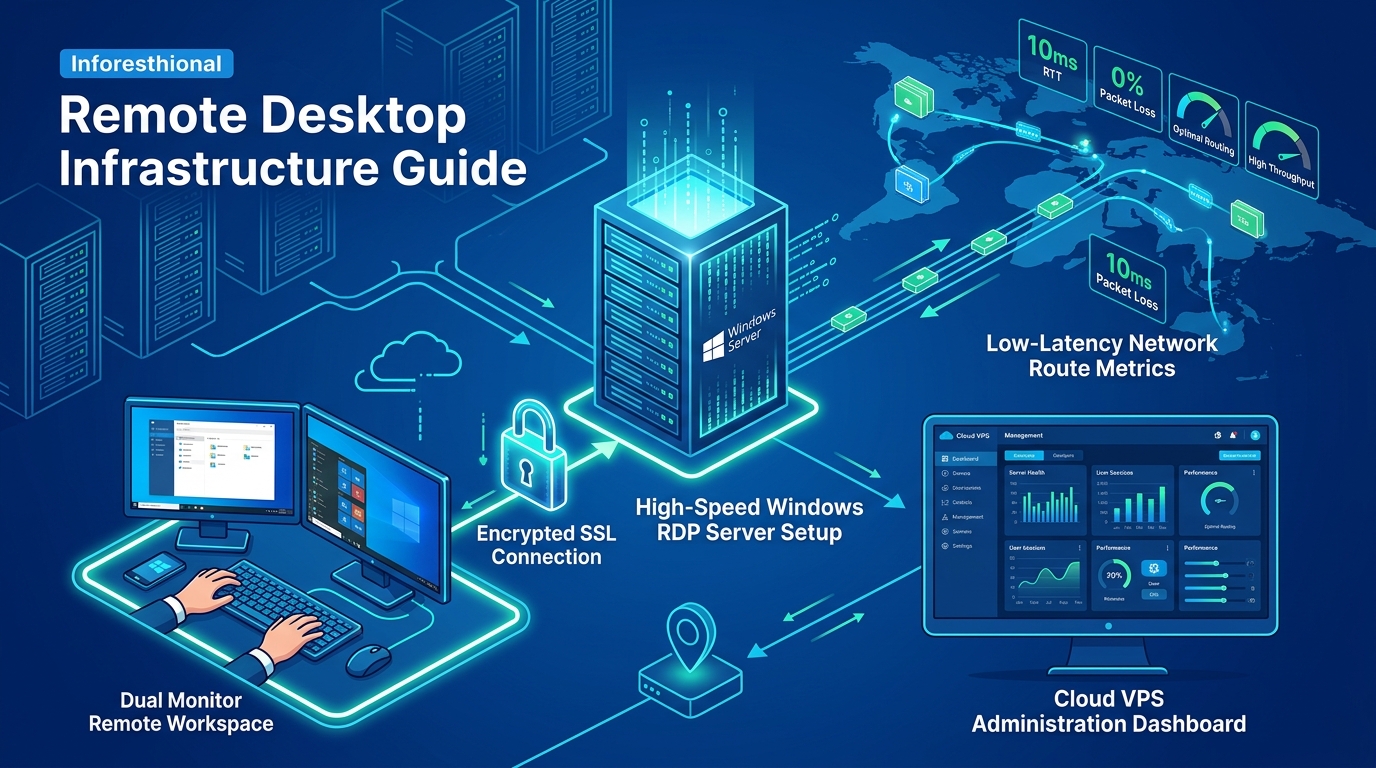
Building a High-Performance FiveM (GTA V) Roleplay Server on a Windows RDP in Pakistan
The demand for localized, ultra-low latency gaming servers in Pakistan has skyrocketed, with Grand Theft Auto V (GTA V) roleplay communities leading the charge. FiveM, the popular multiplayer modification framework for GTA V, allows server owners to create immersive, custom-tailored roleplay environments. However, a successful FiveM server requires serious hardware and a reliable network connection to prevent desync and lag spikes.
In this deep-dive tutorial, we will walk you through setting up a high-performance FiveM roleplay server on a Windows Remote Desktop Protocol (RDP) environment, specifically optimized for Pakistani players.
Why Windows RDP for FiveM?
While Linux VPS hosting is great for many server applications, FiveM often benefits from a Windows environment, especially for administrators relying on Windows-native database management tools (like HeidiSQL), TxAdmin integrations, and custom C# server-side scripts. A powerful Windows RDP offers the desktop GUI familiarity alongside raw server performance.
[!TIP] For a basic 32-64 player FiveM server, a standard NVMe VPS or RDP is sufficient. However, if you plan to scale a massive 1000-player roleplay city with hundreds of custom vehicle mods and high-tickrate physics, you quickly exceed the capabilities of standard virtualized environments. For such massive scale operations, the raw CPU clock speed and unmetered bandwidth of bare-metal Dedicated Servers, specifically Dedicated Servers in Pakistan, are absolutely essential to handle the massive network I/O and SQL queries.
Step 1: Pre-Requisites and Server Preparation
Before we begin, ensure your Windows RDP meets the following minimum specifications for a stable 64-player server:
- CPU: 4+ Cores (High clock speed, e.g., 3.5GHz+)
- RAM: 8GB Minimum (16GB Recommended for heavily modded servers)
- Storage: 50GB+ NVMe SSD (Crucial for fast resource streaming)
- Network: 1Gbps Port (Low ping routing to Pakistani ISPs like PTCL, StormFiber, Nayatel)
- OS: Windows Server 2019 or 2022
Essential Software Installation
Connect to your RDP and install the following:
- Visual C++ Redistributable 2019 or newer
- XAMPP or MariaDB: For your SQL database (essential for frameworks like ESX or QBCore).
- HeidiSQL: A lightweight database management client.
- Git: To clone repositories easily.
Step 2: Downloading and Configuring FiveM Artifacts
- Create a master folder on your fastest drive (e.g.,
C:\FiveMServer). - Inside, create two subfolders:
server(for the server engine) andserver-data(for your resources). - Head over to the FiveM Artifacts page and download the latest recommended server artifact (a
.zipfile). - Extract the contents of the
.zipinto yourC:\FiveMServer\serverfolder.
Step 3: Setting Up TxAdmin (The Recommended Way)
TxAdmin is a full-featured web panel built directly into FiveM server artifacts. It simplifies deployment, server monitoring, and automated restarts.
- In your
C:\FiveMServer\serverfolder, runFXServer.exe. - A command prompt will open, displaying a PIN.
- A web browser will automatically open to
http://localhost:40120/. - Enter the PIN and link your Cfx.re forum account.
- Follow the TxAdmin setup wizard:
- Server Name: e.g., “Karachi Life RP”
- Deployment Type: Choose Popular Recipes and select QBCore Framework (highly recommended for modern roleplay servers).
- Data Location: Point it to
C:\FiveMServer\server-data.
- TxAdmin will automatically run the recipe, setup your SQL database (ensure your local MySQL server is running via XAMPP), and download the QBCore framework.
Step 4: Configuring the Server for the Pakistani Audience
Your server is now technically runnable, but we need to optimize it. Open server.cfg located in your server-data folder using Notepad or VS Code.
1. License Key and Steam Web API Key
You must generate a FiveM Keymaster license key (https://keymaster.fivem.net) and input it at the bottom of the config:
sv_licenseKey "YOUR_KEY_HERE"
set steam_webApiKey "YOUR_STEAM_KEY_HERE"
2. Localization and Tags
Make sure your server is easily discoverable by local players:
sets locale "ur-PK"
sets tags "roleplay, pk, pakistan, urdu, hindi, custom cars, qbcore"
3. Connection Optimization
To prevent desync for players on varied Pakistani ISPs, adjust the server tick rates and enforce strict timeouts. Note: While TxAdmin handles much of this, keeping database queries optimized is your main priority.
Step 5: Network and Firewall Configuration
The most common issue server owners face is players failing to connect. You MUST open ports on your Windows Server Firewall.
Open PowerShell as Administrator and run the following commands to open port 30120 (the default FiveM port) and 40120 (for TxAdmin access):
New-NetFirewallRule -DisplayName "FiveM TCP" -Direction Inbound -LocalPort 30120 -Protocol TCP -Action Allow
New-NetFirewallRule -DisplayName "FiveM UDP" -Direction Inbound -LocalPort 30120 -Protocol UDP -Action Allow
New-NetFirewallRule -DisplayName "TxAdmin" -Direction Inbound -LocalPort 40120 -Protocol TCP -Action Allow
[!WARNING] If your RDP provider uses an external cloud firewall (like AWS Security Groups or a custom host panel firewall), you must ALSO open TCP/UDP 30120 there, or players will time out on connection.
Step 6: Optimizing Resource Streaming
One of the biggest causes of texture loss (“falling through the map”) in FiveM is poorly optimized add-on cars and MLOs (custom buildings).
- Compress Textures: Ensure all
.ytdfiles for custom Pakistani police cars or local clothing are under 16MB. - Use Resource Merging: Instead of having 50 separate car resources, merge their stream files into one
[cars]resource to reduce the server’s I/O overhead.
Conclusion
Running a FiveM server on a Windows RDP offers fantastic control and performance for starting communities. By utilizing TxAdmin, the QBCore framework, and optimizing your network ports and resources, you can provide an unparalleled, low-latency GTA V roleplay experience for players across Pakistan. Remember, as your community grows beyond the typical limits, seamlessly migrating to bare-metal infrastructure will ensure your city never sleeps.
